Creator Media Kit
SceneForge turns AI video batching into a Chrome side-panel workflow.
SceneForge is for AI filmmakers, YouTube creators, and small creative teams who want to turn scripts or ad briefs into editable scene prompts, batch provider jobs, track progress, and auto-download organized clips.
SceneForge is live on the Chrome Web Store. Coverage notes, screenshots, demo video, and outreach assets are below.
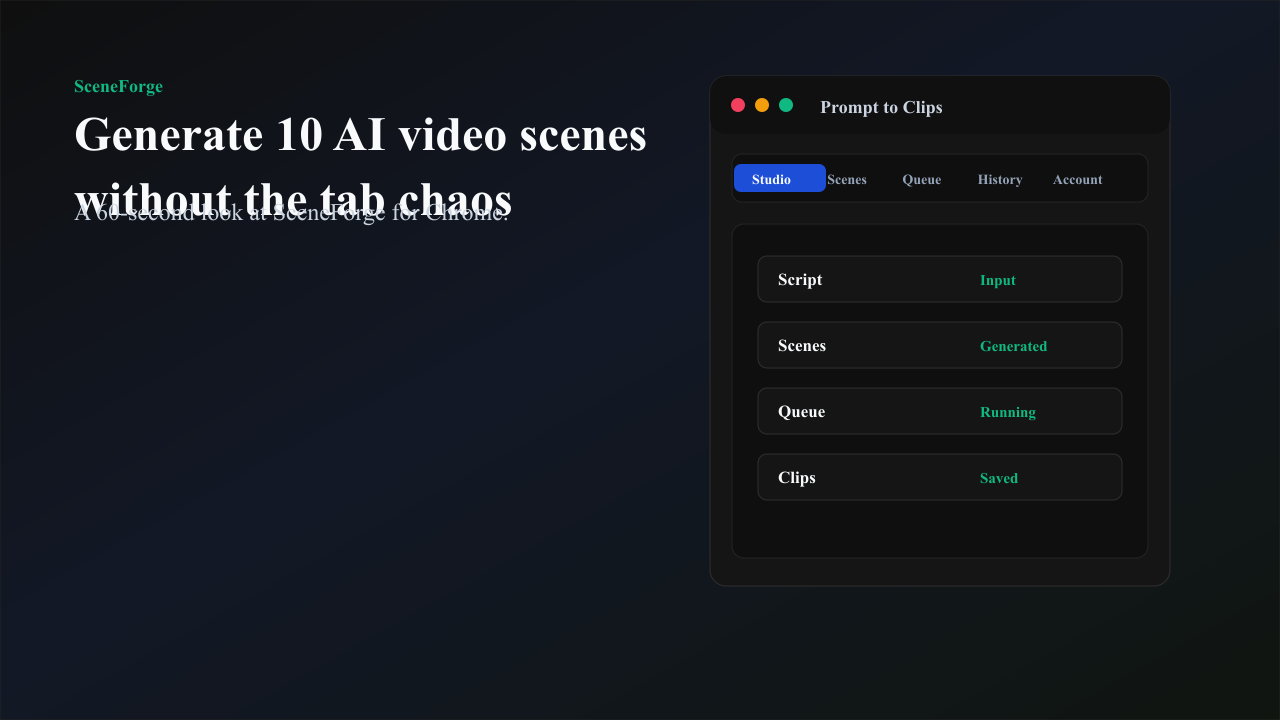
60-second demo
Quick pitch
Creating AI video clips usually means jumping between scripts, prompt docs, provider tabs, queues, and download folders. SceneForge brings that workflow into a Chrome side panel: create or paste scenes, refine prompts, choose a provider, run the batch, and download clips with organized filenames.
Suggested hooks
One script to 12 AI video scenes in a Chrome side panel.
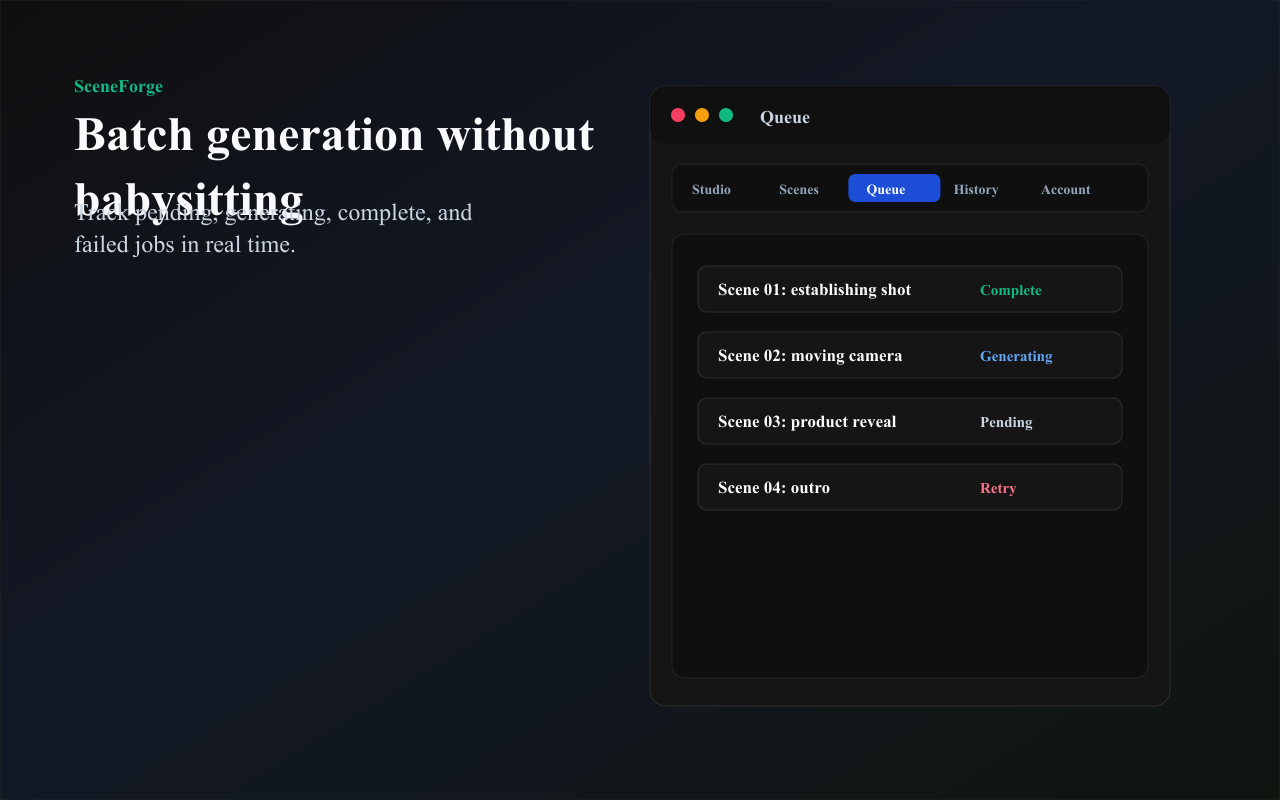
No more babysitting provider tabs one prompt at a time.
Five product ad variations queued and organized from one brief.
Creator-ready demo angles
One brief to 12 queued shots: paste a short-film idea, generate scene prompts, queue the batch, then show organized downloads.
Manual vs. SceneForge: compare opening provider tabs one by one against one side-panel batch run.
Product ad variations: turn one product brief into five platform-ready video prompts with consistent naming.
BYOK workflow: show provider keys staying local, queue controls, retries, and clean downloads for editors.
Talking points
- Chrome side-panel workflow for AI video batching.
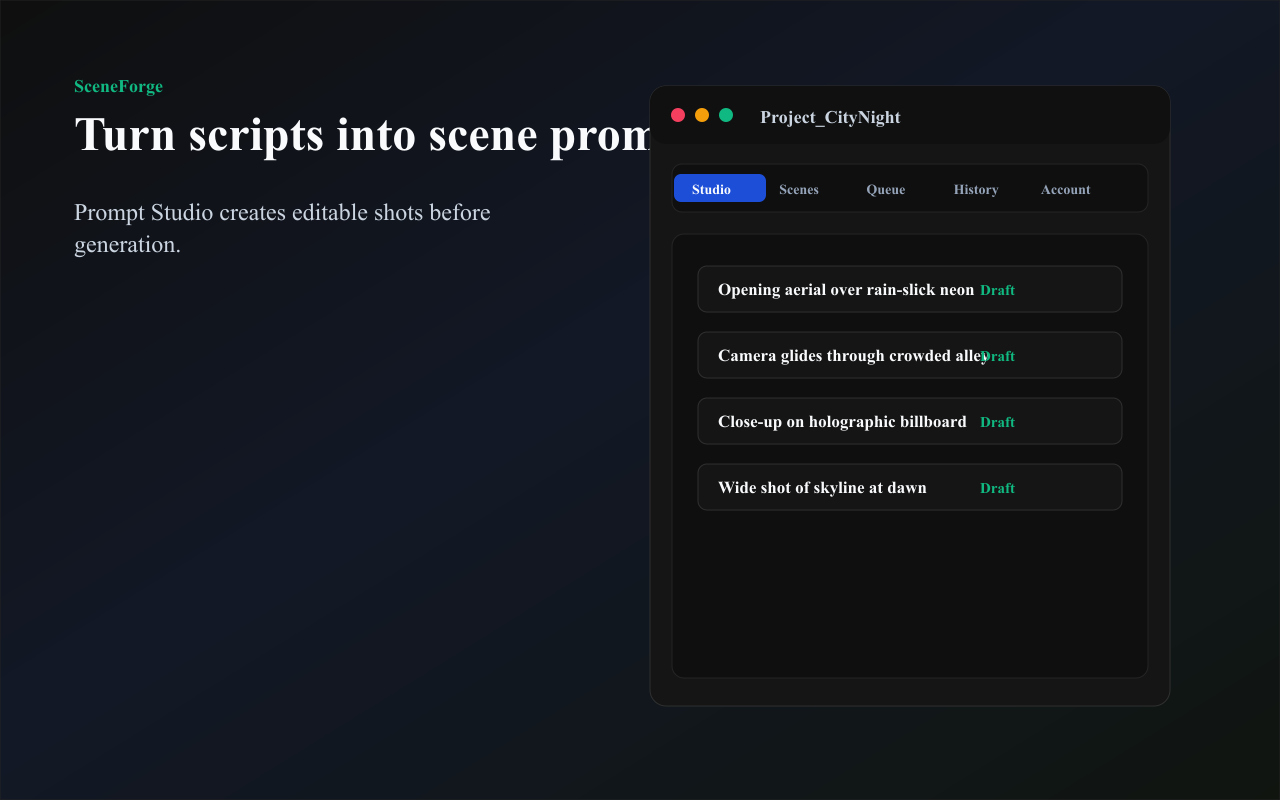
- Prompt Studio turns scripts and briefs into editable scene prompts.
- Bring your own provider keys and credits.
- Local-first queue for v1, with Creator Cloud Queue Beta planned for managed orchestration.
- Auto-downloads keep generated clips named and organized for editing.
Suggested video titles
- I batched AI video scenes from Chrome with SceneForge
- This Chrome extension fixes AI video prompt chaos
- From script to AI video queue in minutes
Outreach copy
Hey [Name] — SceneForge is live on the Chrome Web Store. It turns scripts or scene lists into batch AI video jobs, tracks progress, and auto-downloads organized clips. Install link, media kit, and 60-second demo: https://sceneforge-pi.vercel.app/media/
Assets

Contact
For reviewer access, questions, or launch coordination, email aksel@openowl.ai.